Start here / 4 minute setup
Install and launch the CLI
Launch your supplied beta CLI on macOS, Windows, or Linux.
Last verified 2026-10-19Before you begin
Have your beta invitation and the CLI package for your operating system and processor. Extract the download before running it. The native executable does not require a separate Java installation.
The beta CLI is preconfigured to connect to Elyxis. Launch it and sign in; no connection setup is required.
During private beta, CLI packages are shared directly with invited participants. If you have not received yours, ask the team that invited you.
| Computer | Native file |
|---|---|
| macOS with Apple Silicon (M1 or later) | elyxis-cli-macos-arm64 |
| Windows with an x64 processor | elyxis-cli-windows-x86_64.exe |
| Linux with an x64 processor | elyxis-cli-linux-x86_64 |
| Linux with an ARM64 processor | elyxis-cli-linux-arm64 |
For an Intel Mac or another processor, ask the Elyxis team for a compatible package. The Apple Silicon executable is not an Intel Mac build.
macOS
Open Terminal and change to the folder containing the extracted file. For example, if it is directly in Downloads:
cd ~/Downloads
chmod +x ./elyxis-cli-macos-arm64
./elyxis-cli-macos-arm64
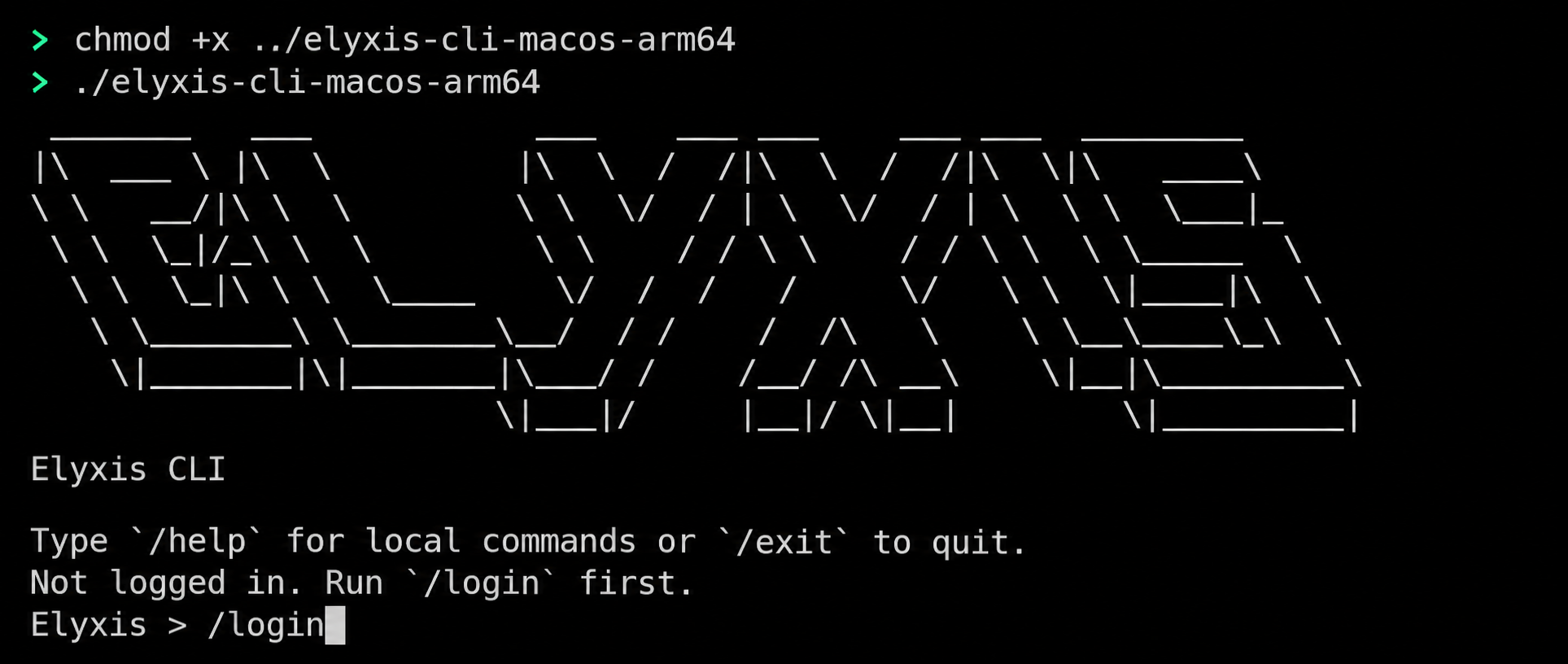
Adjust the folder if you extracted the package elsewhere. If macOS blocks opening the file, check that it came from the Elyxis team and follow your organization's software approval process.
Windows
Open PowerShell and change to the folder containing the extracted executable. For example:
cd "$HOME\Downloads"
.\elyxis-cli-windows-x86_64.exe
Keep the PowerShell window open while using Elyxis. Launching from a terminal lets you read startup messages and any connection errors.
Linux
Open a terminal in the folder containing the extracted file. On an x64 machine:
cd ~/Downloads
chmod +x ./elyxis-cli-linux-x86_64
./elyxis-cli-linux-x86_64
On ARM64, use the matching file instead:
chmod +x ./elyxis-cli-linux-arm64
./elyxis-cli-linux-arm64
Run uname -m if you are unsure: x86_64 means x64; aarch64 means ARM64. If the executable reports a missing system library, ask the beta team for a package compatible with your Linux distribution.
Recognize the prompt
On a first launch, look for:
Elyxis >
If you already have saved credentials, the CLI may ask you to choose an Environment before opening the prompt. The next guide explains that selection and the browser sign-in flow.
Sign in and choose an Environment